KEF Remote
For KEF LSX speakers, on your Mac
Control your KEF speakers from your Mac's keyboard.
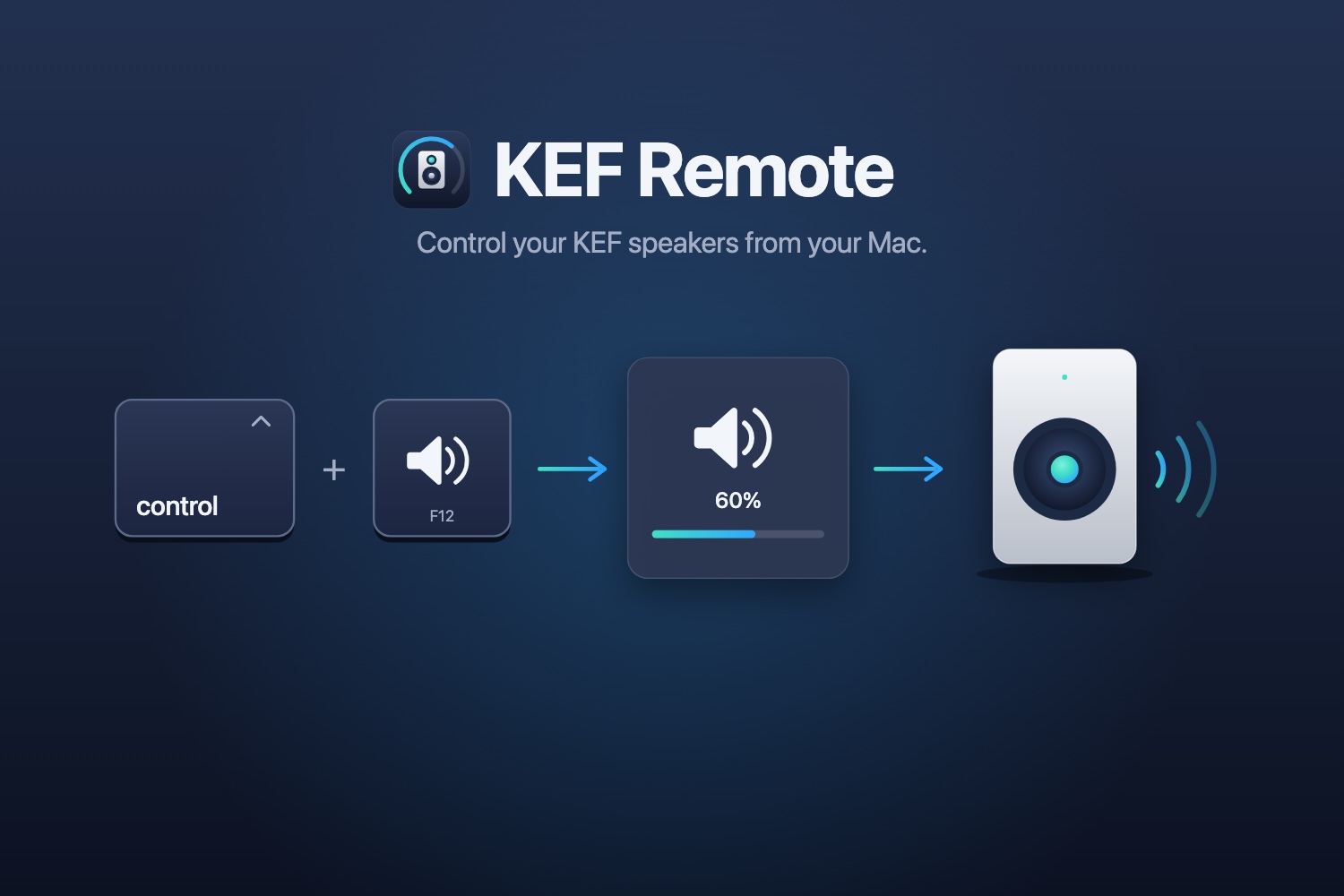
I listen over optical for hi-res audio, and over optical my Mac's volume keys can't reach the speakers. KEF's app has no keyboard shortcuts: you open it, wait for it to connect, and leave it running. KEF Remote puts the speakers on your Mac's keyboard and in its menu bar.
What it does
- Hold Control and press the volume keys: the speakers' volume changes, with an on-screen display like the Mac's own.
- One shortcut turns the speakers on or off. The menu bar switches the input.
- No Dock icon, and it collects nothing: it only talks to your speakers. macOS 14 or later.