
Peapod
Preview Attachments for Gmail™
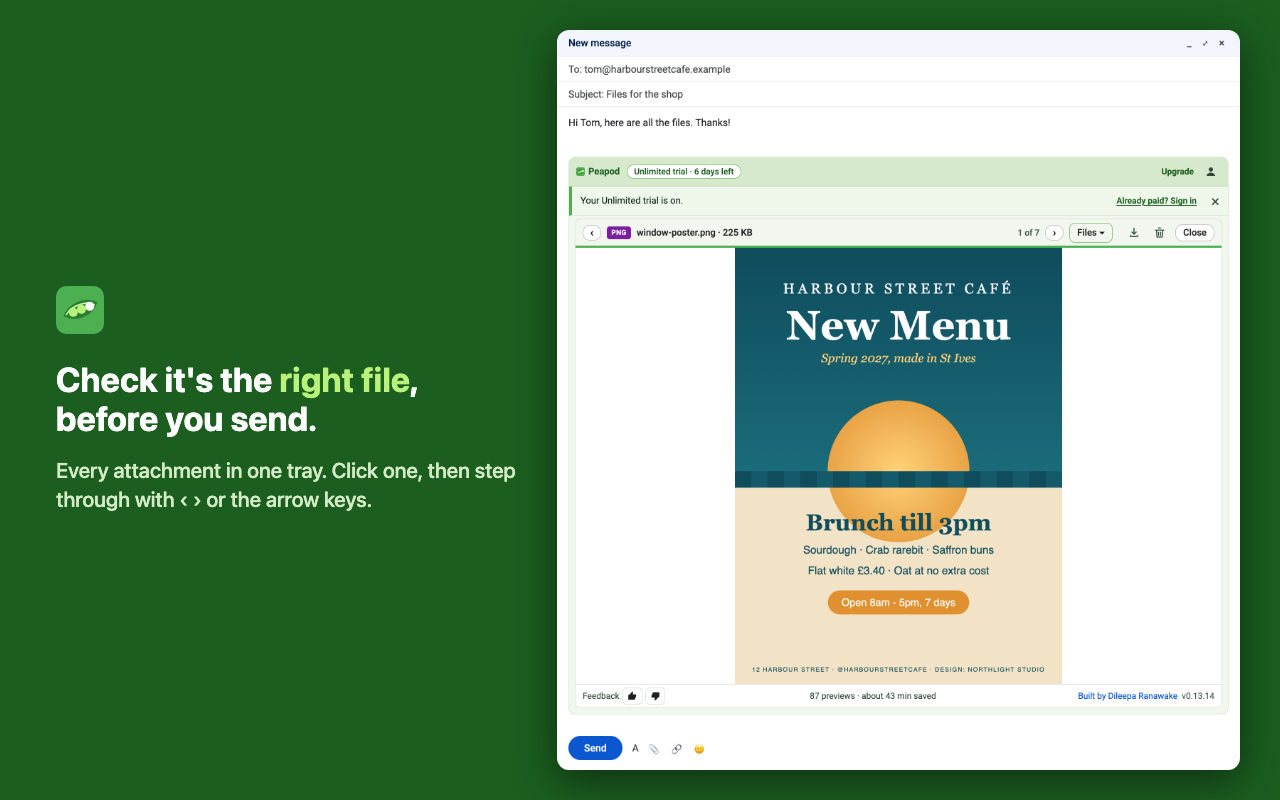
Preview every Gmail attachment in one tray, before you send.
The video plays from YouTube, only when you press Play. YouTube may then store data on your device: see the privacy policy.
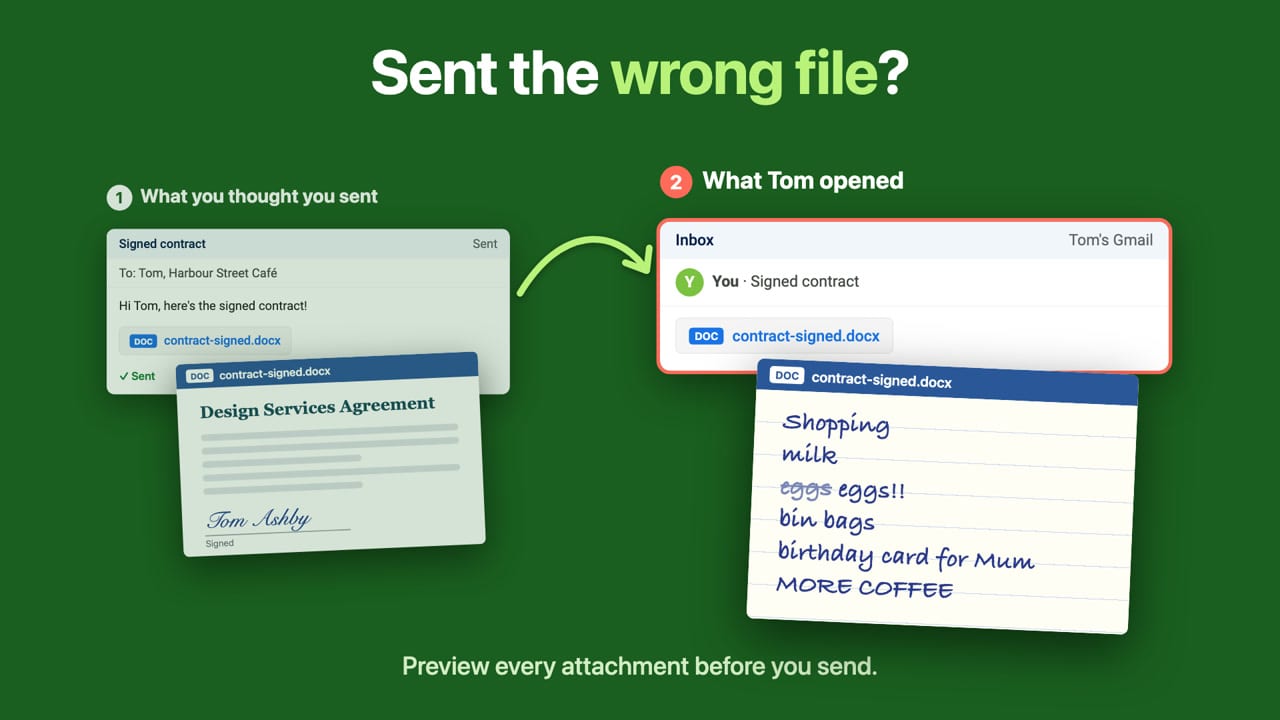
We've all done it, or come close: the wrong file on an email to a client. Last year's price list. Another client's invoice. The draft instead of the final. Peapod puts every attachment in your Gmail draft into one tray, so you can check each file before you send. No downloads, no new tabs.
What it does
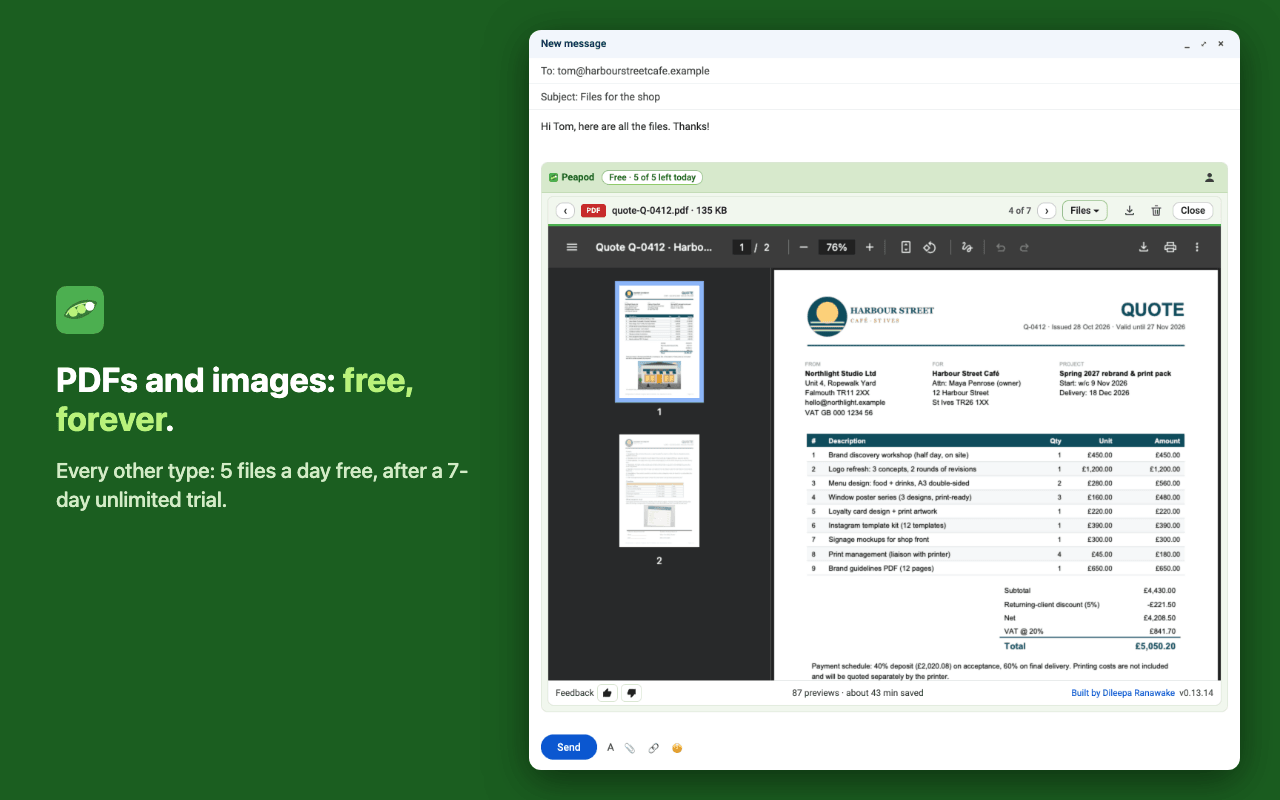
- Every attachment in one tray: name, type and size. In a draft, or in an email you open.
- Click a file to preview it. Step through with ‹ › or the arrow keys; Esc folds it away.
- Need a copy? Download it from the tray. In a draft, the bin icon removes a file.
What it previews
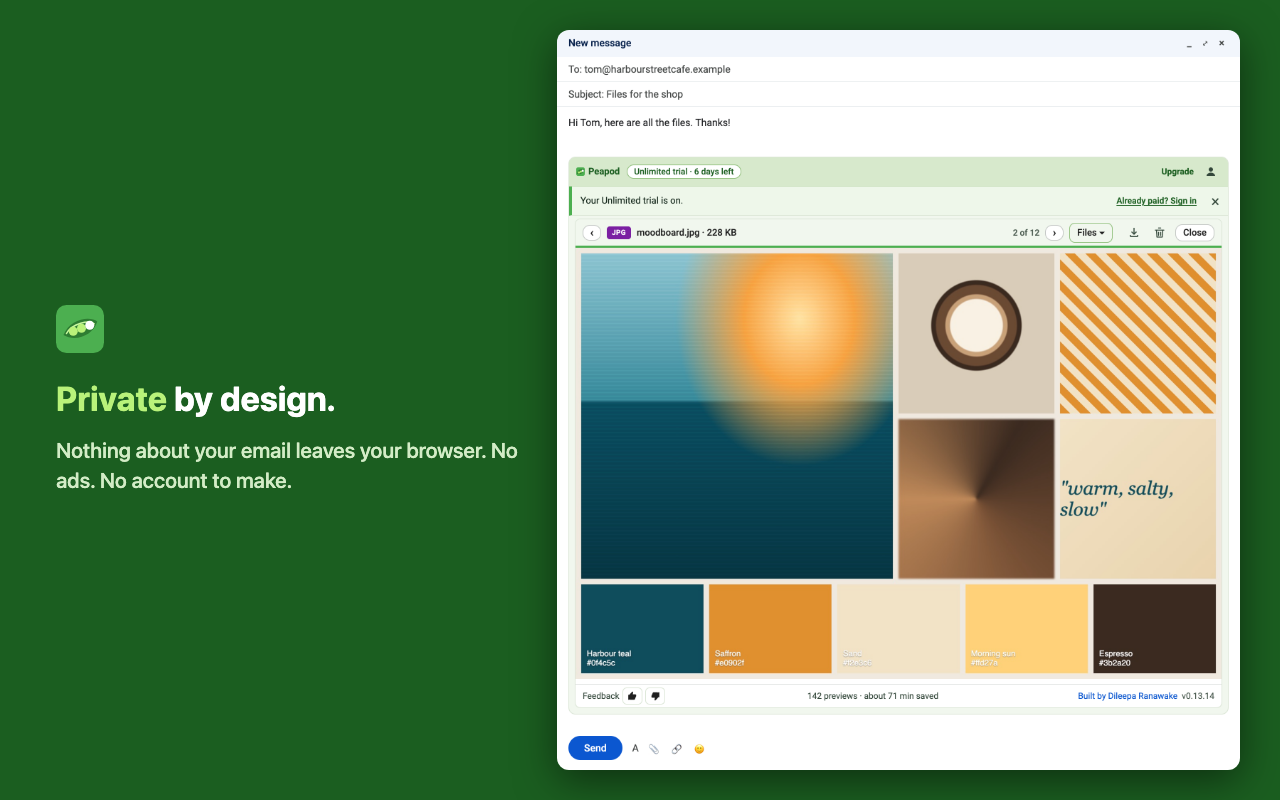
- Images: png, jpg, gif, webp, svg, bmp, avif, ico
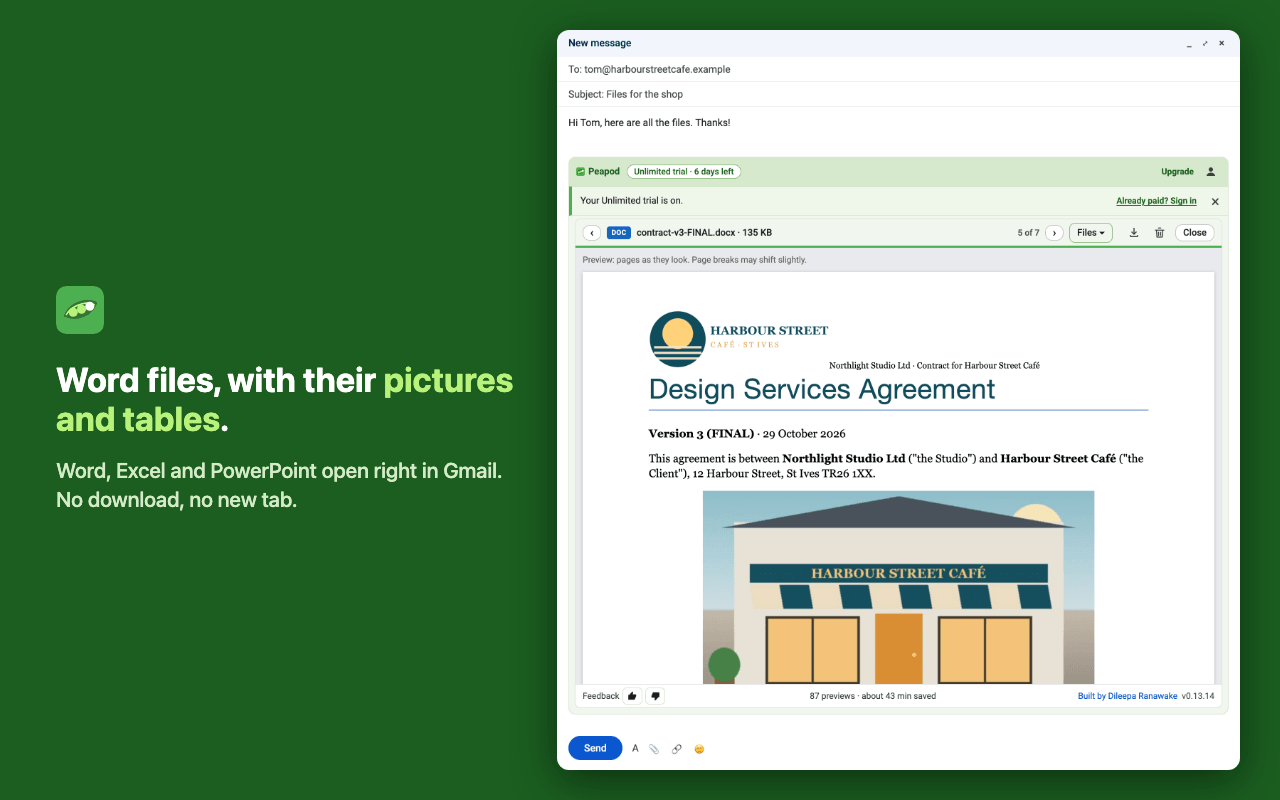
- Word (.docx): pages as they look, with their pictures and tables
- PowerPoint (.pptx): slides as they look
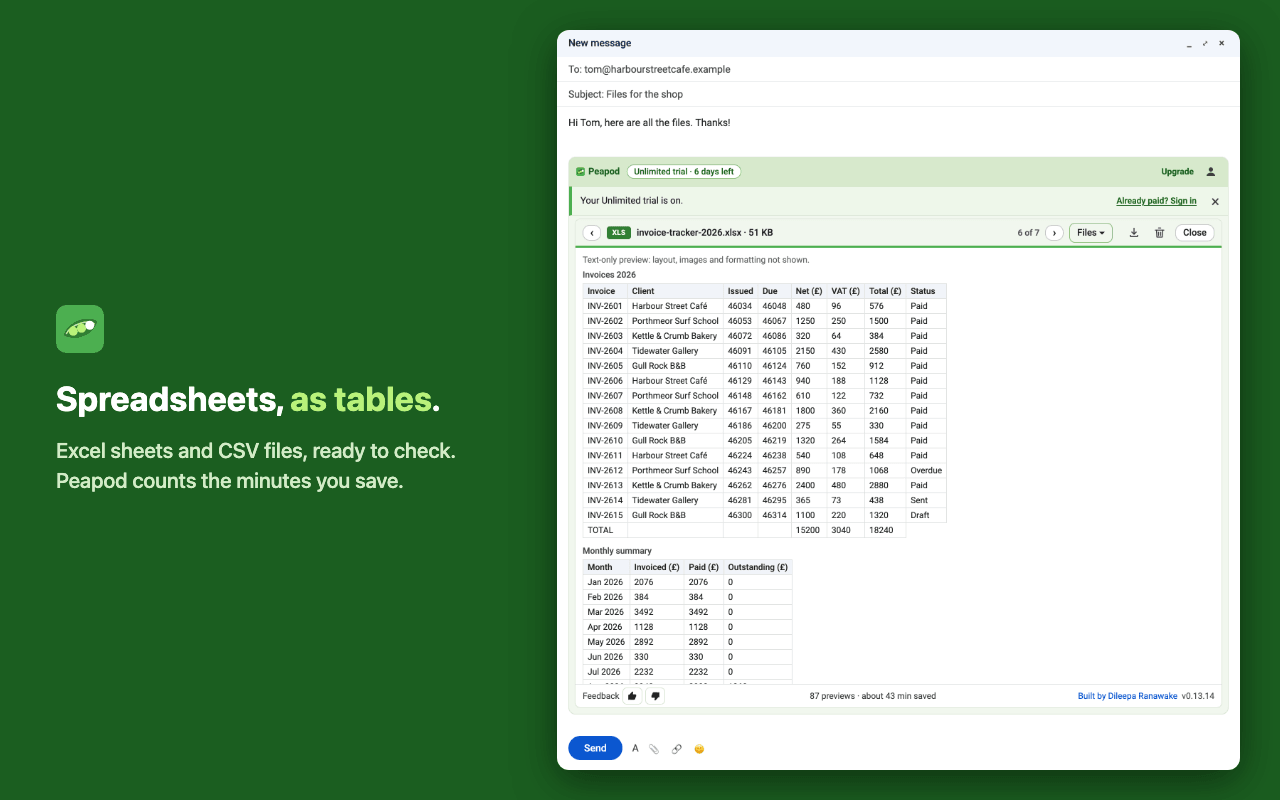
- Excel (.xlsx), CSV and TSV, as tables
- Text, Markdown, JSON, YAML, XML, calendar invites (.ics), contact cards (.vcf), emails (.eml)
- Zip files: the list of files inside
- HTML, sandboxed: no scripts, nothing remote loads
- Anything else: name, size and type, so you know what will be sent
Private by design
- Nothing about your email leaves your browser. Files are shown from memory, on your device.
- No ads, no cookies, no account to make. Nothing sold.
The details are in the privacy policy. Questions? See help and contact.