How I built KEF Remote: the tests passed, the speaker disagreed
A small Mac app for my KEF speaker, and what it taught me about testing against the real thing, restarting, and shipping what works.
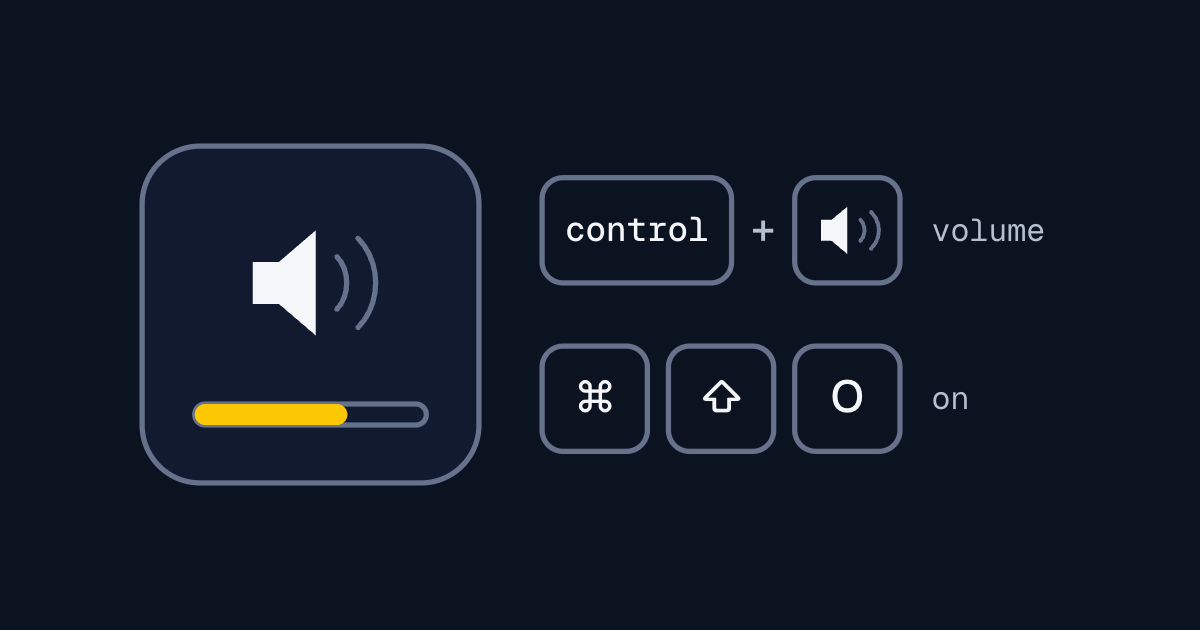
KEF Remote is a small macOS app that puts a KEF LSX speaker on my keyboard. Hold Control and press the volume keys, and the speaker's volume changes instead of the Mac's, with an on-screen display like the one macOS shows for its own. Two more shortcuts turn the speaker on and off.
I wanted to control my speakers from the keyboard. I'd been using kefctl, a Perl library, but it didn't do what I wanted. I also wanted to build a Mac app, to make it more interesting. And I wanted to push AI coding agents: to see what was possible, and then how engineering could help me get past the limits.
From scripts to a prototype
It started with kefctl, a terminal interface and some scripts. Then the agents and I reverse engineered the speaker's protocol and built a first prototype: a core library for the protocol, and the Mac app on top. The agents did most of the implementation from my design. It worked. It was also very buggy.
The tests passed. The speaker disagreed.
The core library had 68 passing tests. Testing on the real speaker was left for later.
KEF uses a different protocol from the ones I was familiar with, so we had to understand what was actually happening on the network. A hand test against the speaker, reading the raw bytes, found the worst bug. My design said every response is 4 bytes. It isn't. A read returns 5 bytes and a write returns 3. The code waited for 4 on both, so after the first command every read was misaligned.
All 68 tests had passed, because they tested the code against my design. The design was wrong, so the tests were wrong in exactly the same way. Tests prove the code matches the spec, not that the spec is right.
The on-screen display was flaky too, because the first version kept no state for it. And key presses interacted strangely with the protocol. It has no request ids, so nothing in a response says which command it answers. Each key press started its own task, so fast presses could put two commands on the wire at once, and the replies would interleave.
The hardware added its own problems, like network latency. And my logs didn't show up while the app ran under Xcode's debugger. With so many moving parts, it was very hard to find where an issue was coming from.
Rebuilding it one part at a time
My first fix for the key presses was a serialiser: one command on the wire at a time, with presses that arrive in the meantime sent together in the next write. Wiring it into the app broke the power commands. It read the speaker back to confirm before the speaker had finished switching, so turning it on showed "Power Off". I started patching on the spot, without committing or testing first. So I set the whole attempt aside and rebuilt from before it.
The rebuild went in layers, starting with the protocol. I tested each part of it on the real speaker, every command type, including with it switched off. That showed where the network issues really were. With the protocol settled, the front end got better state management. And I made it debuggable, for me and for the agents. The logging now goes to three places: the terminal, the system log, and a file that I and the agents can read.
It merged with 97 tests, and it's the app I use. It works well, and it's easy to debug.
Shipping the version that works
After the rebuild I designed a bigger v1, but only built its logging. When I came back to the project, I retested the rebuilt app, and it worked. v1 had the better design and no app. The rebuilt one was an app I actually use.
I shipped that one.
The README has a known limitations table. It can't find the speaker by itself. The settings window doesn't open. Very fast key presses can get lost, because the serialiser was never rebuilt. And there's no Dock or menu bar icon, so nothing tells you it's running.
That last one is my favourite. I decided against a menu bar icon on paper, because I already have plenty of them. Ten days after I started using the app, my own notes said there was no way to tell it was running. A menu bar icon is now a core feature of v1. Using it changed the requirements in a way the design on paper didn't.
What I think now
- Build prototypes, and keep the shapes that work.
- Don't worry too much about the architecture up front. It emerges as you prototype.
- Once you've found stable surfaces (the modules and components that stop changing), lock them in. For me that was a lot of protocol work.
- Then build up the other surfaces as they get stable: state handling, the rest of the app logic, and making sure it's debuggable.
So it's your first prototype, then working out how to compose it into stable modules and components.
KEF Remote v0.1.0 is out now, for a KEF LSX on macOS 14 or later.